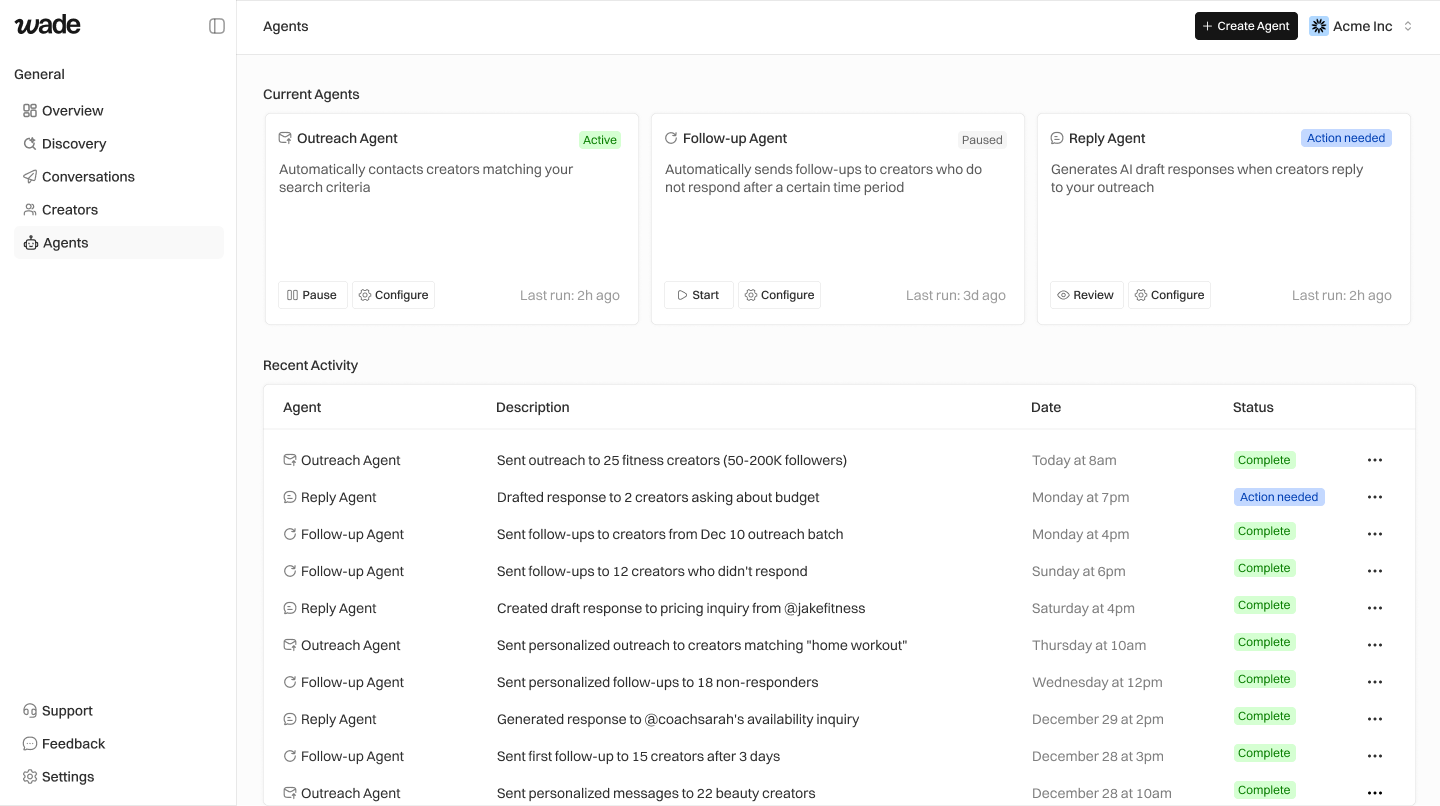
1. Set Up Your Brand
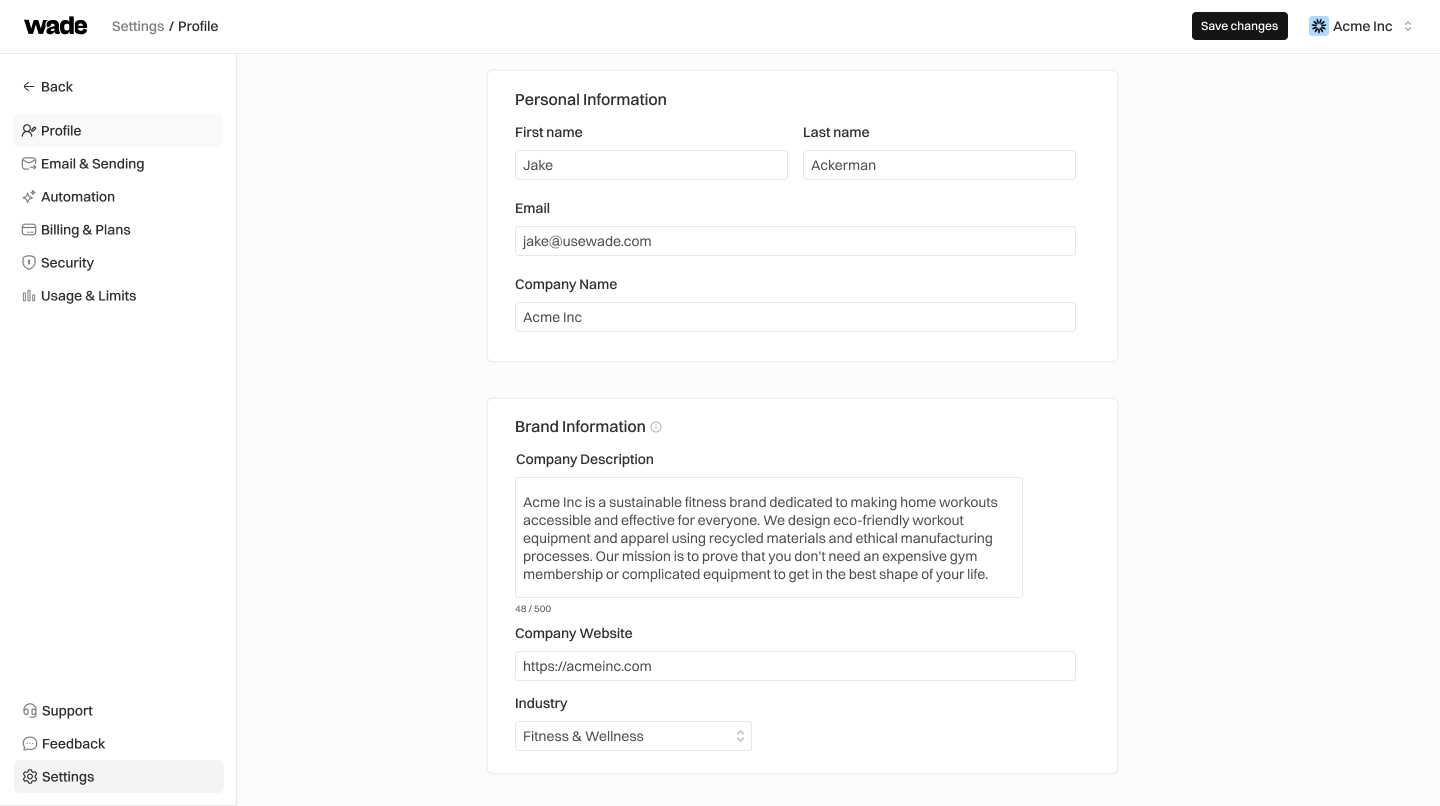
Go to Settings → Profile and add:- Company name
- Company description (be specific — this helps AI write better outreach)
- Website URL
- Industry
2. Connect Your Email
Go to Settings → Email & Sending:- Click Connect Gmail or Connect Outlook
- Authorize Wade to send on your behalf
- Add your email signature
3. Run Your First Search
Go to Discovery and type what you’re looking for: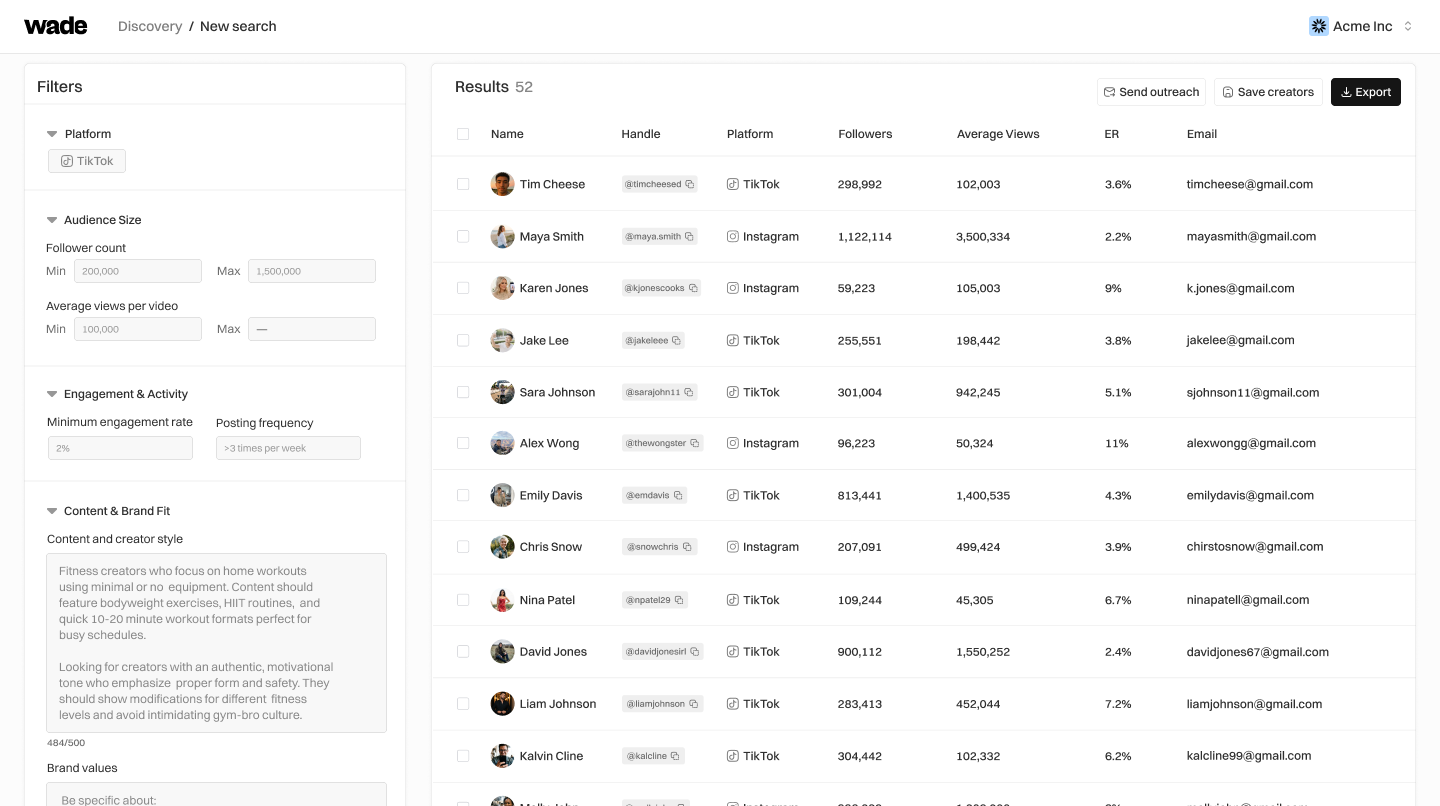
4. Save Creators
Check boxes next to creators you like, then:- Save creators — Add to your CRM
- Send outreach — Queue for automated emails
5. Set Up Outreach Agent
Go to Agents → Click Configure on Outreach Agent:- Write your email template:
- Set schedule (Mon-Fri, 9am-11am works well)
- Set max sends per day (start with 20)
- Click Start