
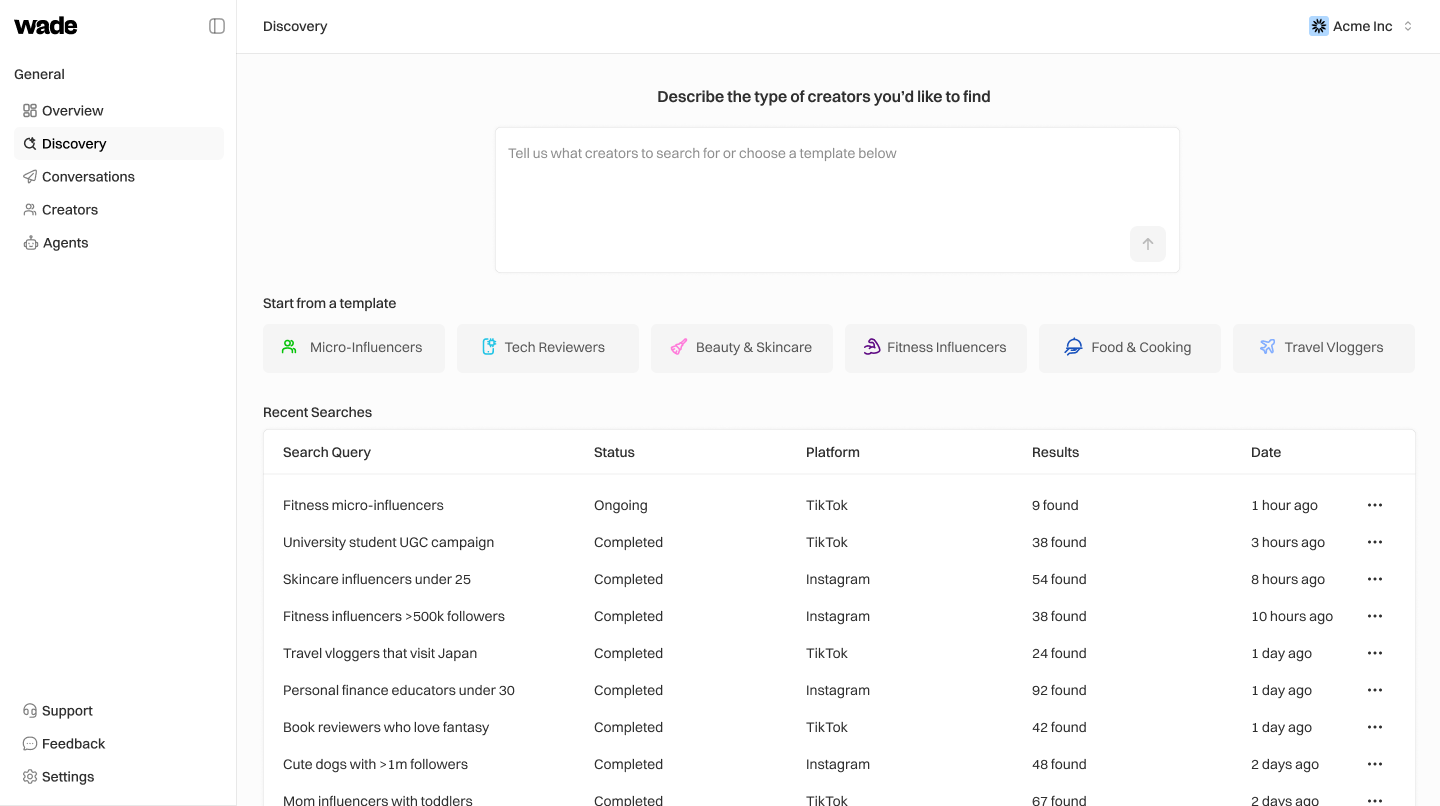
Run a Search
- Go to Discovery in the sidebar
- Type what you’re looking for in the search box:
- Press Enter or click the arrow button
- Wait for results (usually 30-60 seconds)
Example Queries
Filter Results
Once you have results, use the left sidebar to narrow down: Platform — TikTok, Instagram Audience Size- Set min/max follower counts
- Example: 200,000 to 1,500,000
- Filter by actual content performance, not just followers
- Minimum engagement rate (2%+ is good)
- Posting frequency
- Describe the style you want
- AI will score creators based on your description
Save or Send Outreach
- Check the boxes next to creators you want
- Click Save creators to add them to your CRM
- Or click Send outreach to queue them for your Outreach Agent